The Analytics tabs
The Analytics Dashboard has these views across the top: Overview, Orders by feature, Message Logs, Usage Charges and More views. Choose a date range at the top right (for example Last 7 days).- Overview shows a Message Summary with total successful messages, abandoned cart successful SMS and total successful WhatsApp messages.
- Orders by feature shows orders that used each COD King feature.
- Message Logs lists each message that was sent.
- Usage Charges shows what your messages cost.
Message Logs
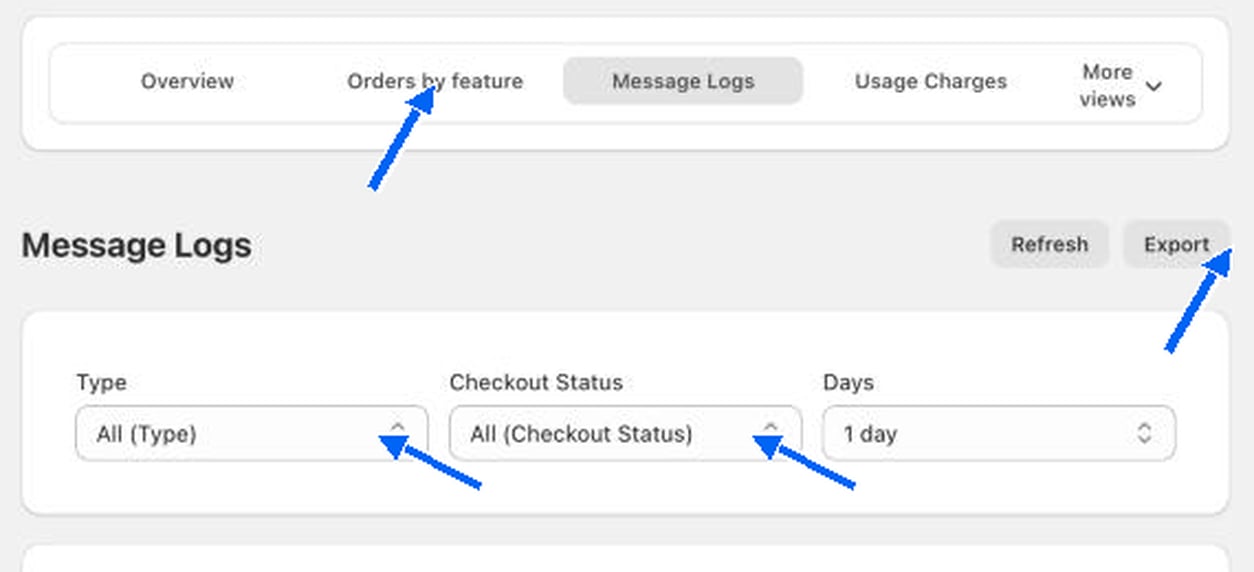
Each row shows the Shopify order ID, the date and time sent, the phone number, the country, the product details, the checkout status and whether it was verified.