
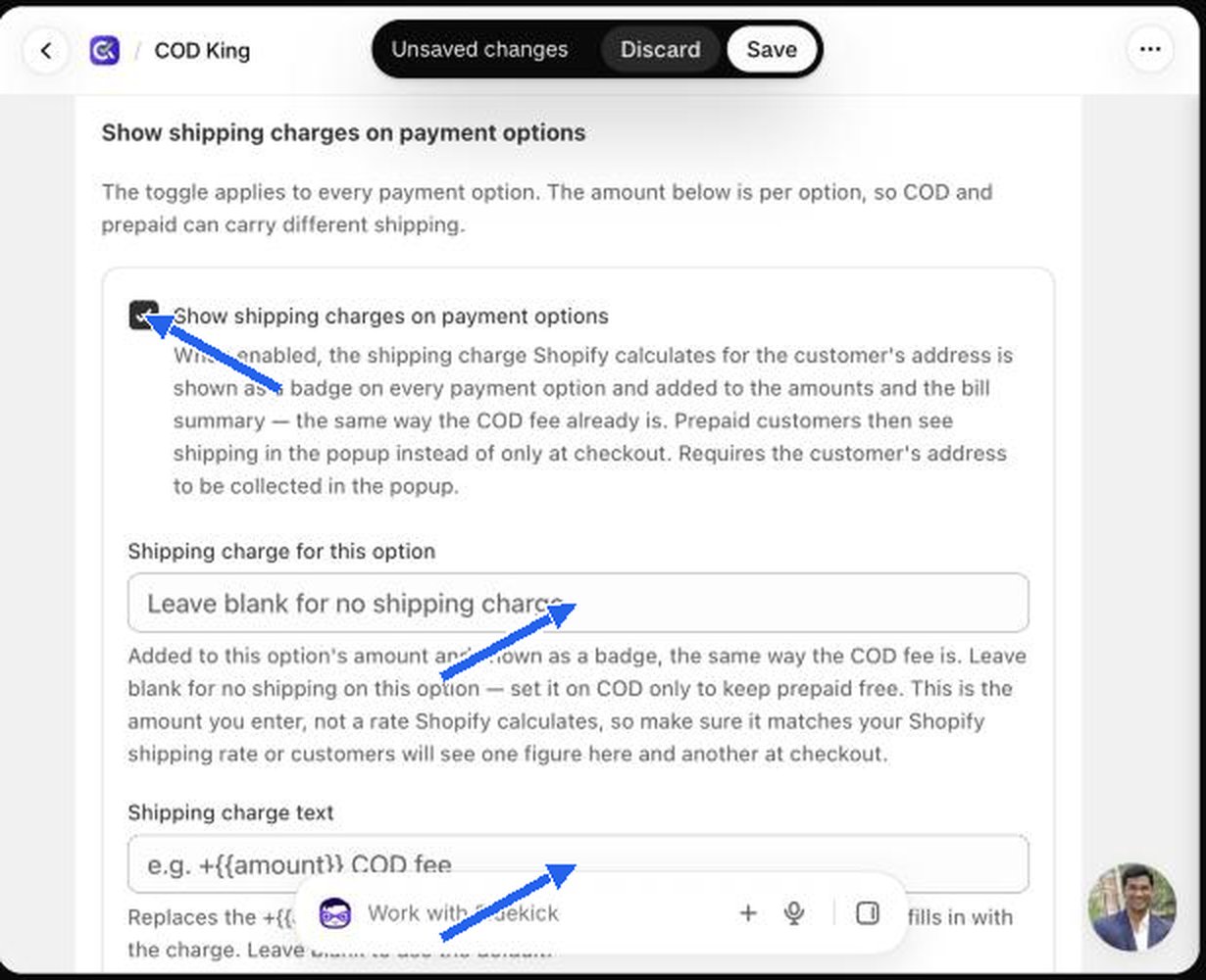
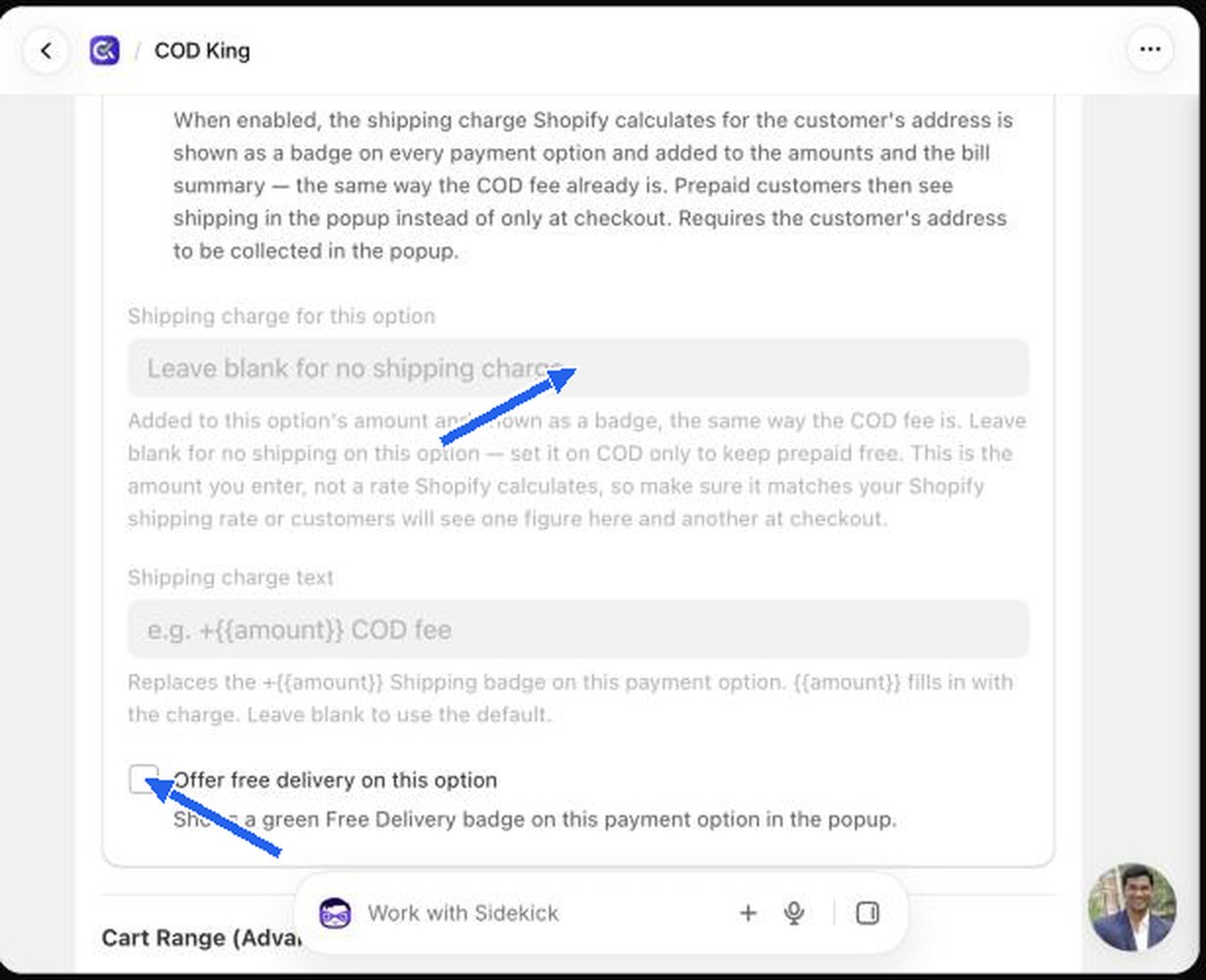
Shipping charges on payment options
Normally Shopify adds shipping at its own checkout. With this feature the shipping charge is shown inside the popup, per option, so a prepaid option can carry different shipping from COD.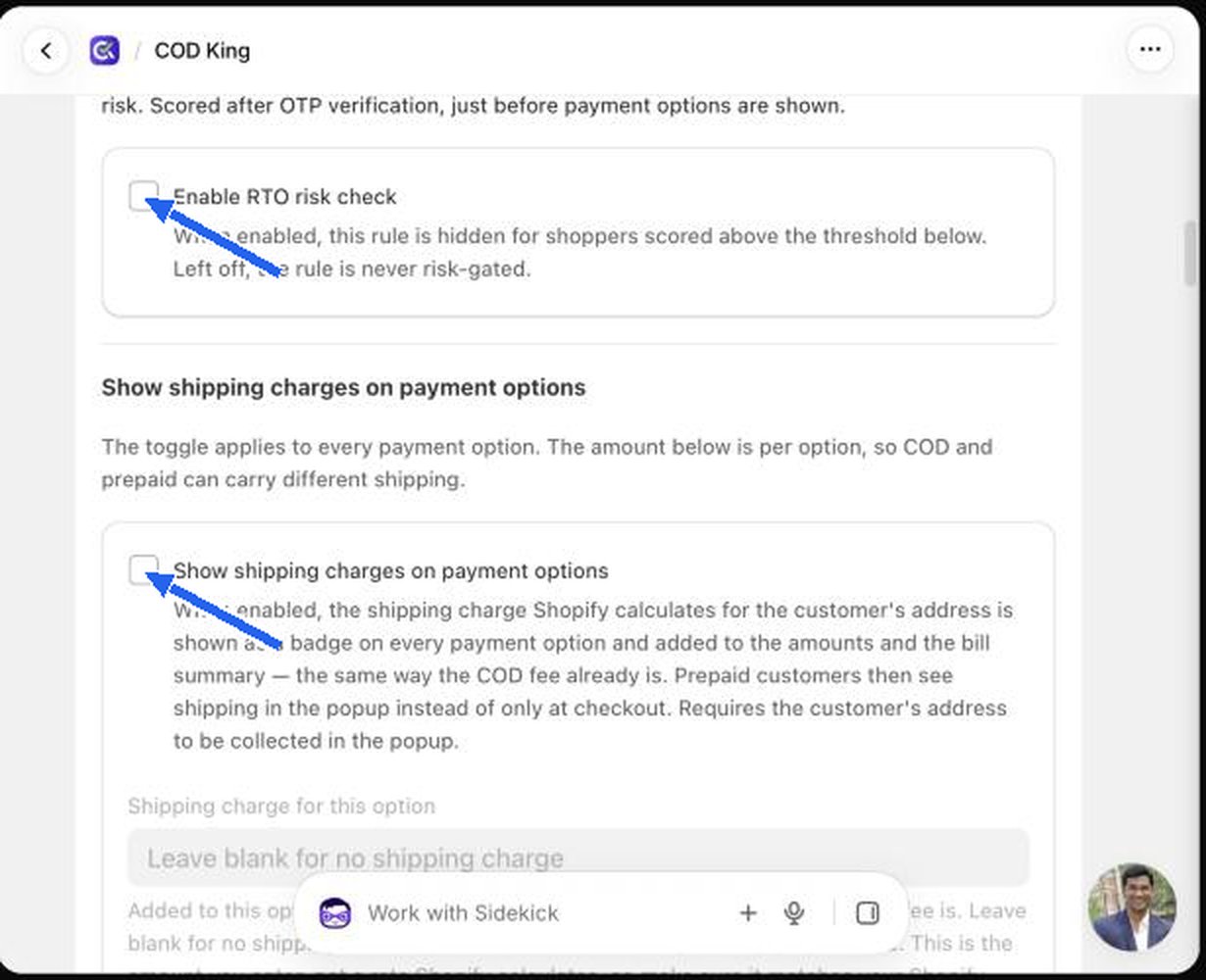
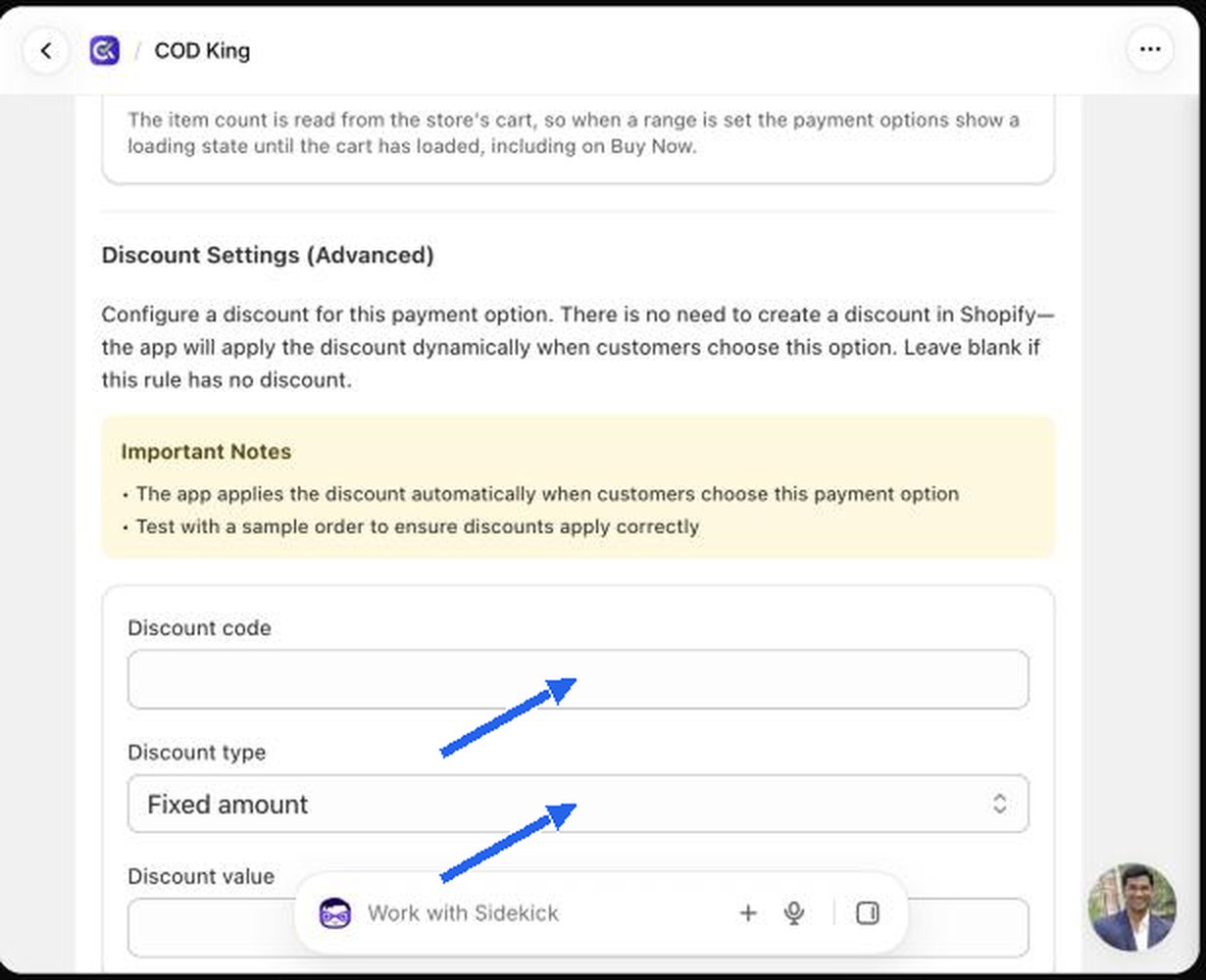
Discount settings
Reward shoppers for choosing this option, for example 10% off for paying in full.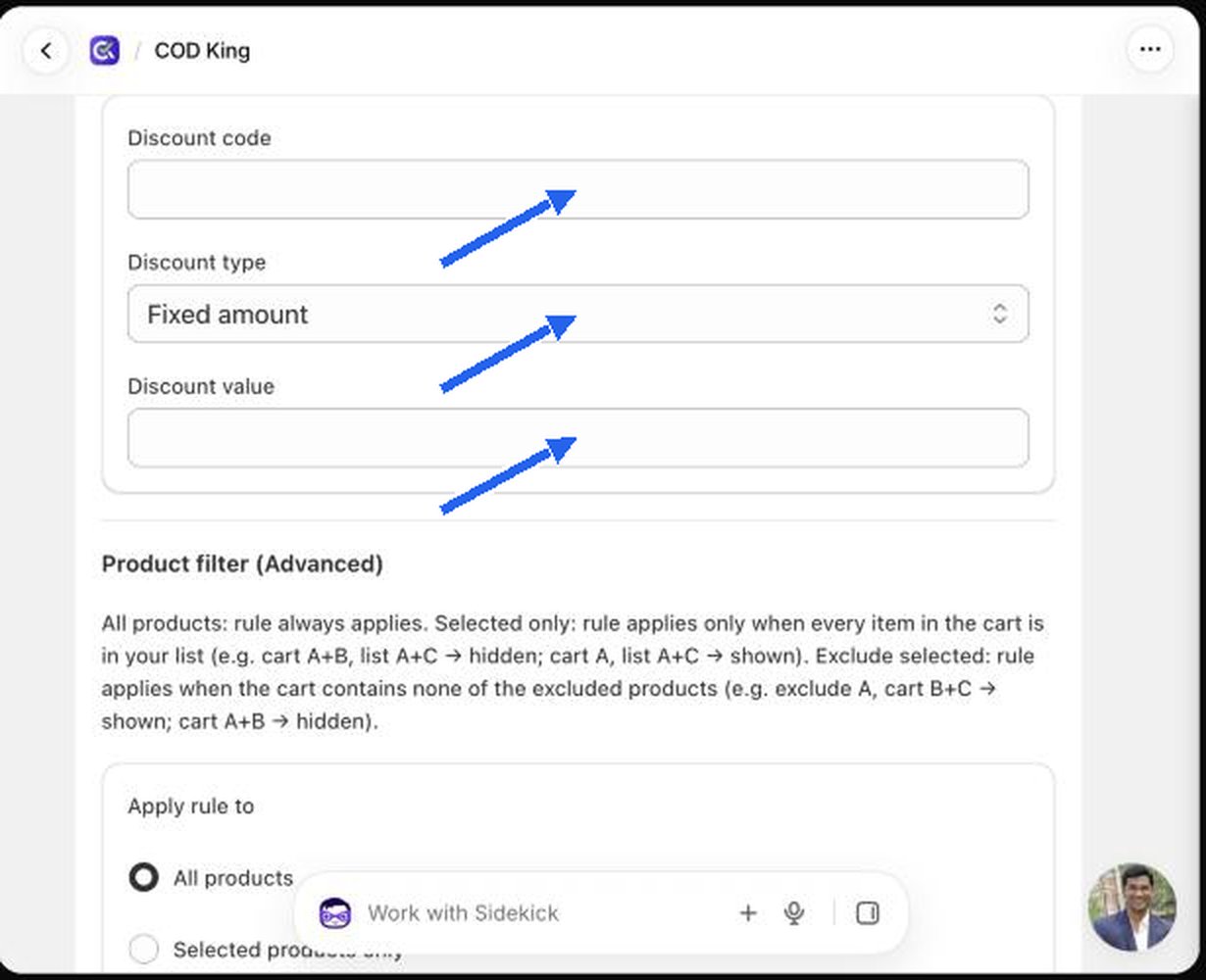
You do not need to create a discount in Shopify. The app applies the discount automatically when the shopper chooses this option. Leave the section blank if the rule has no discount. Always place a test order to confirm the discount applies correctly.
Extra discount for returning customers
Available on Full Payment rules. A customer who has ordered before gets an extra discount on top of the rule’s own discount, applied to the whole order. Tick Give returning customers an extra discount, then choose Discount type (Percentage or Fixed amount) and a Discount value.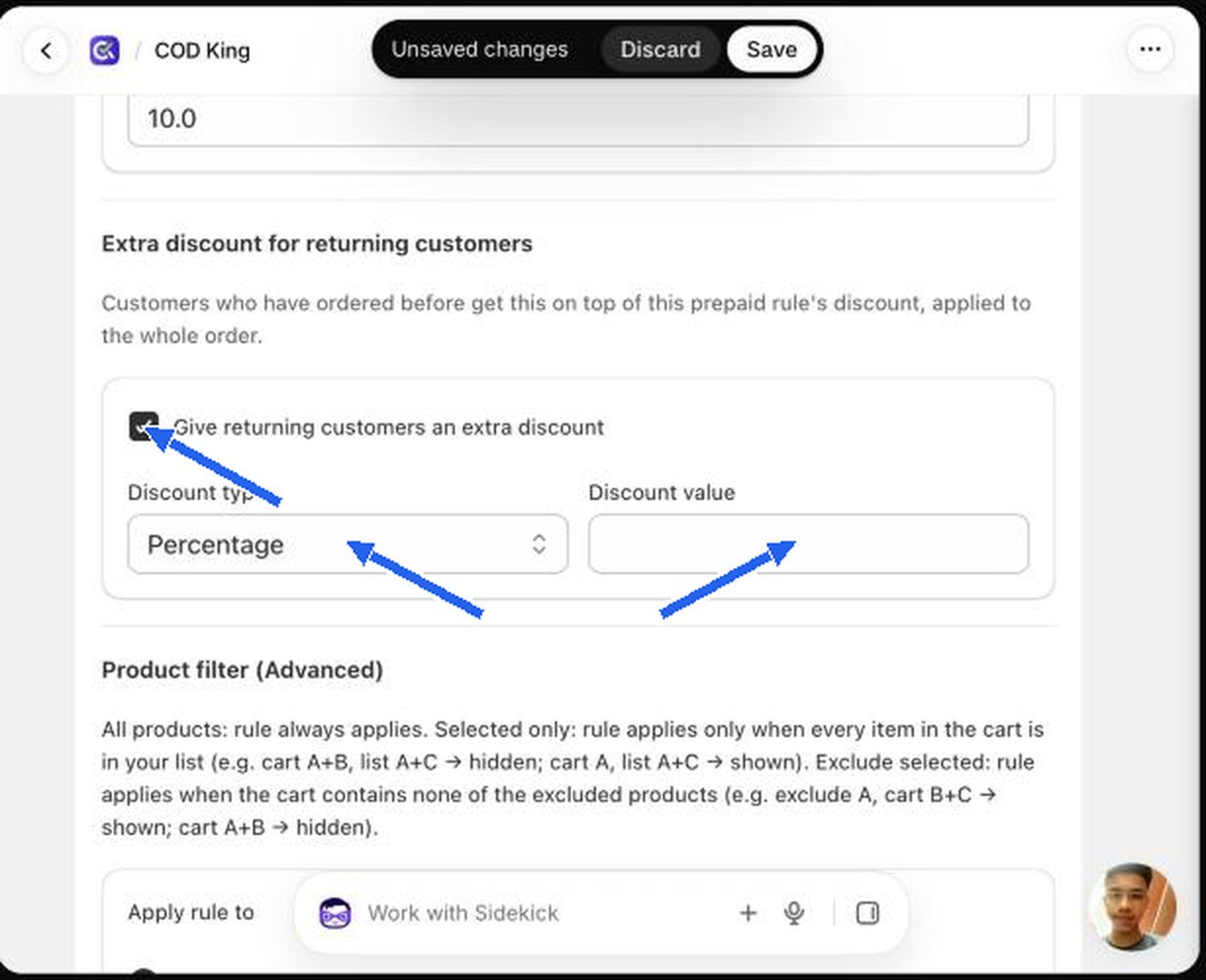
Display settings
These control the text on the option. All are optional.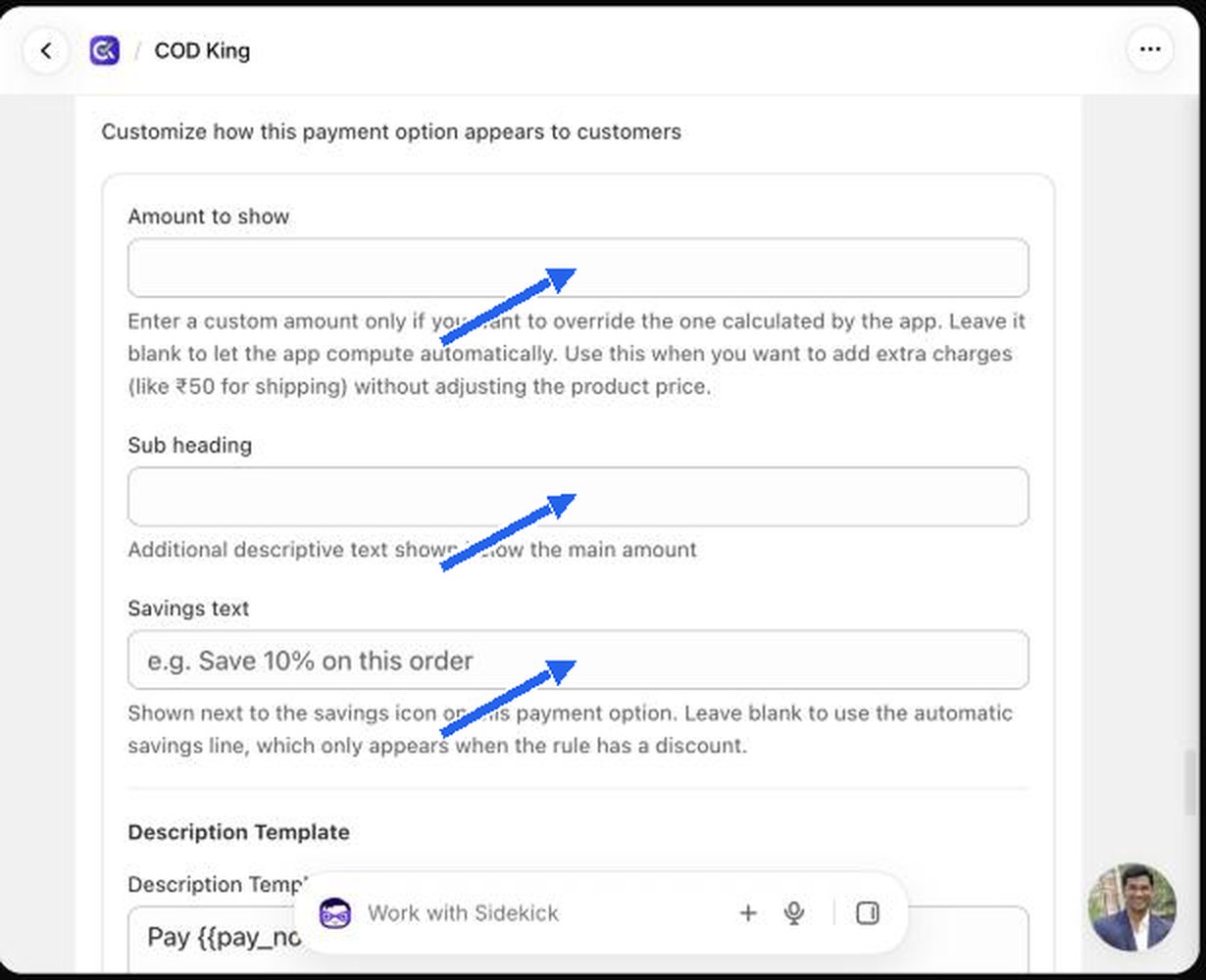
Description template and placeholders
The default template isPay {{pay_now}} now and {{pay_later}} on delivery.
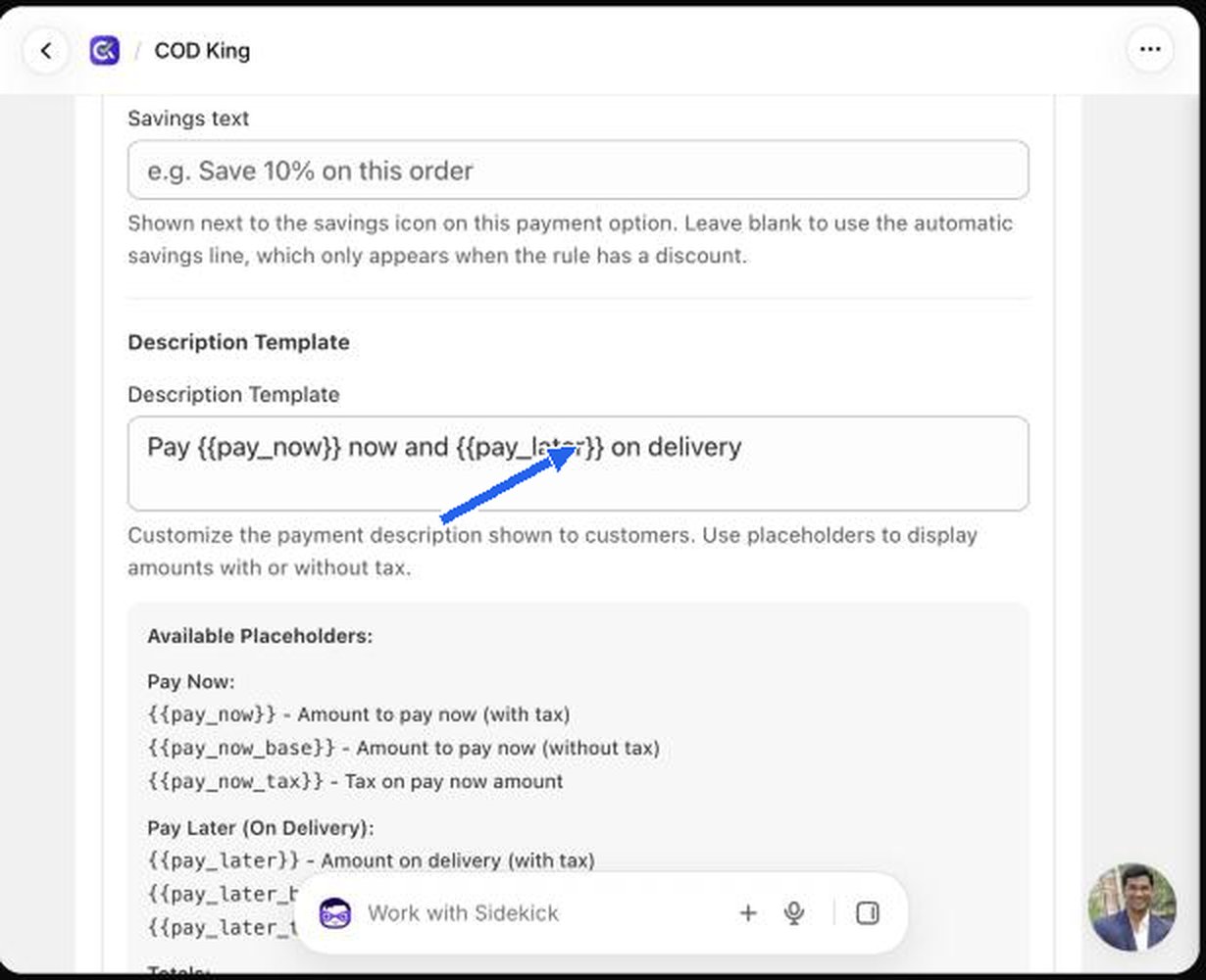
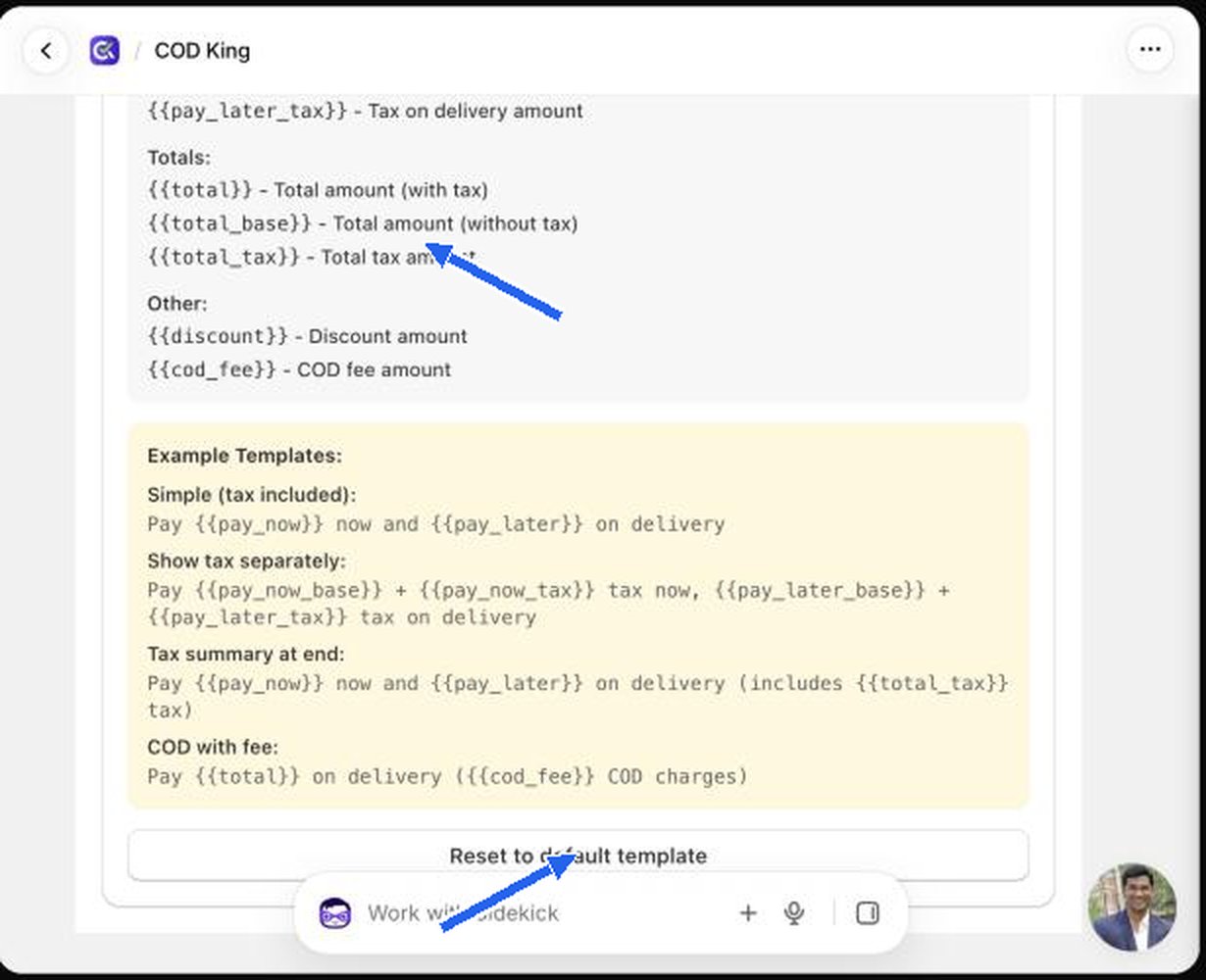
Click Reset to default template to go back to the default.